What is a Campaign

  
Previous Top Next

WHAT IS A CAMPAIGN? ... HOW DO I USE IT?

A "Campaign" is simply a hiring "event" or "classification" you can use to manage groups of Applicant and/or Employee Reports.  The Hire Success System saves each Campaign Database on your computer's hard disk or network drive.  A Campaign can be as simple as a database of Employee's Reports, or Applicant Reports.  Some clients may only use the Default campaign the system sets up on first use.  That is perfectly OK if that is your choice.  However, much more is available to you if you choose to use Campaigns more fully.

Each time you setup a new Campaign, the System allow you to create a Title or Description of the Campaign and an ID that is used as the Campaign's file name.  It also allows you to check if the campaign is "Local", "Regional/Division", "National" or "International".  You may check one or more of the boxes as they may be appropriate for the hiring Campaign in which the Reports you save in it represent.

The Setup screen also allows you to enter the starting and ending dates of the campaign, for future reference, as well as an area to save free-form text notes about the campaign.  Although the Hire Success System currently does not use this additional data for any purpose other than your own information, future releases may offer enhancements that take advantage of this information.

If, for example, you will be running a 2-week Campaign to hire a Regional Manager, you could create a Campaign called "Midwest Regional Manager" and enter the start date you will be placing an Ad campaign and the end date you plan on making the hiring decision.  Once the Campaign has been created, you can begin populating the Database with Applicant's Reports.

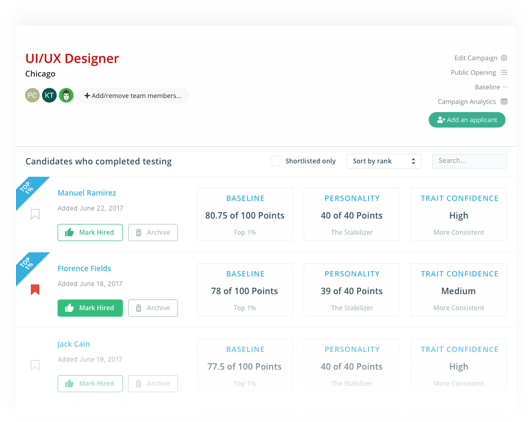
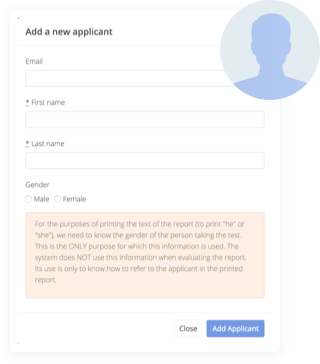
Each time you receive a Report via email for a candidate for this position, simply open the Campaign and click the "ADD APPLICANT" button on the convenient toolbar on the right side of the main Hire Success screen.  This allows you to navigate to the location where you have saved the Reports that were attached to the email message(s) you received from the Hire Success Online Service Bureau.  Don't worry if you accidentally select someone a second time, the System checks, and if the person is already in the database, they will not be added a second time.

As soon as the Report(s) are added, the Hire Success system goes about reading each Report and saving the Applicant's Report Data.  It also makes a copy of each of the 3 Report you received by email and makes an "Archived" copy in the Database for you.  If you ever need to refer to the full report again, but have deleted the original reports you saved or the email you received, you can easily go back to the Campaign, find the person's name in the Database and Reprint any or all of the 3 Report sections again.


OPEN CAMPAIGN graphic

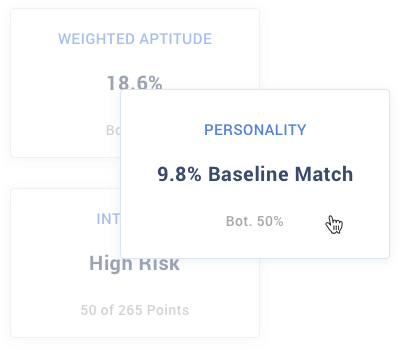
Only one Campaign can be open in the System at any time.  You may have many Campaigns saved on your hard drive, but the one that is "open" is the one you can access to reprint reports or prepare Baseline Summary Reports .  The purpose behind creating the Campaigns, is to keep incoming Reports organized by Ad or hiring campaign.  You may then open a Baseline File  and apply that Baseline to any Report saved in the Campaign.  While leaving the Campaign open, you can open as many other Baselines as you need and apply different Baselines to the Applicants to help you identify those applicants from the campaign who have the Personality Characteristics you are seeking most.


        Hire Success is a Registered Trademark of Decision Support Technology, Inc.
and is Registered in the United States Patent and Trademark Office.

Copyright 1999-2008, Decision Support Technology, Inc.  All Rights Reserved.